Is Nata Legit? Everything You Need To Know About Payments And Refunds
Published · Updated · By Esther Onuoha, Writer
Have you ever bought airtime with your last money? Not just any money o, your last kobo!
You probably have an assignment to submit, or one content you are working on, and you're expecting payment in two days time? You just need to buy small data, finish your work, and manage yourself until your salary or payment comes in.
You tell yourself, "Let me just buy this ₦500 airtime and convert it to data. At least, I fit manage am till I finish this work."
You make the purchase, your bank sends a debit alert. You smile, expecting your airtime to enter.
But nothing!
You check again, still nothing. You refresh your balance, nothing! Ah!
Ehh! Wetin happen? Na my last card be this o! How person wan take explain this one?
And just like that, an ordinary airtime or data purchase has become a serious concern.
This is why people want to know whether a payment platform is trustworthy before using it. Nobody wants to lose money, especially when every naira already has a purpose.
So, if you have come across Nata and are wondering, "Is Nata legit?", you are asking a valid question.
In this article, we will explain how payments work on Nata, how to protect your transaction PIN, and what to do if a transaction fails or you need a refund.
So, we ask again,
Is Nata Legit?
Let's be honest, when it comes to your money, you no wan take chances, and that's fine. Before you start using any payment platform, you want to know if it is trustworthy, how your transactions are handled, and what happens if something goes wrong.
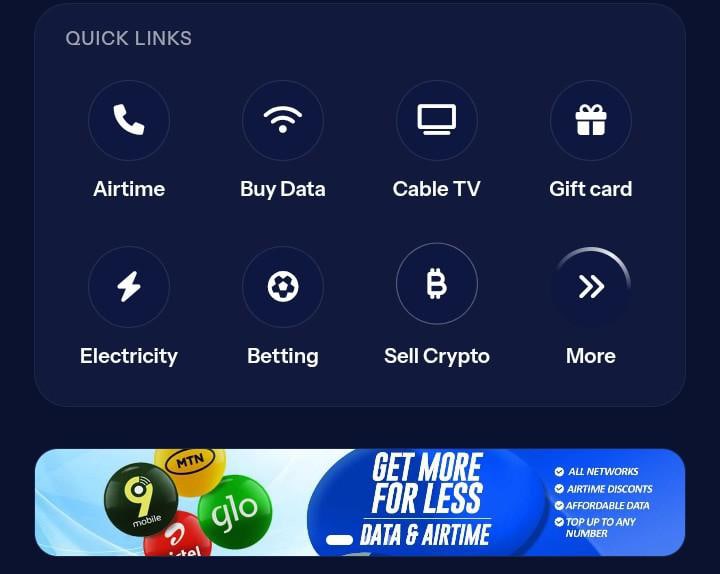
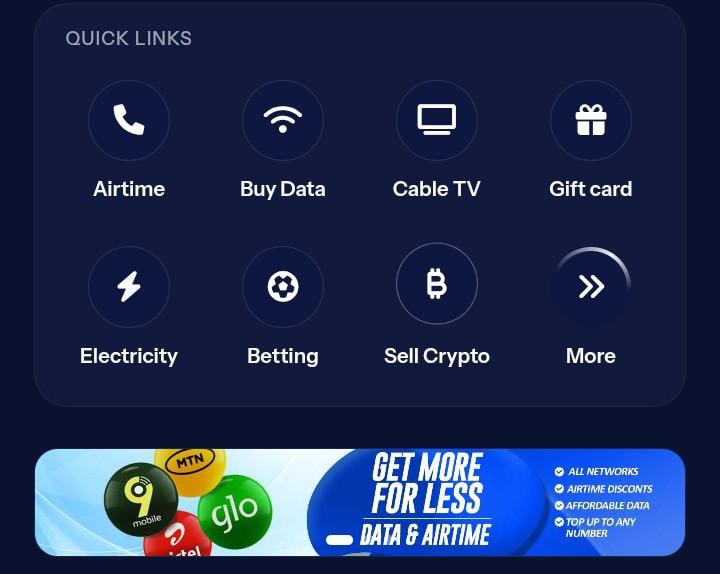
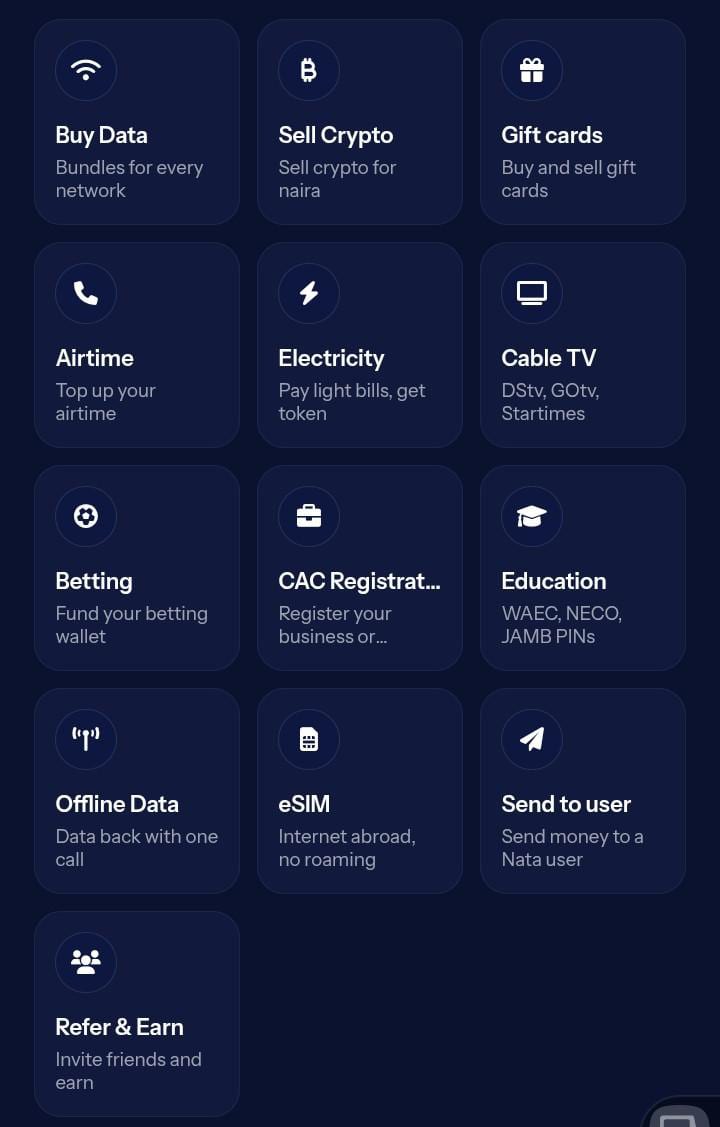
Nata is a digital payment platform that allows Nigerians to carry out everyday transactions, including airtime purchases, data subscriptions and other supported bill payments.
If you have been searching for the cheapest place to buy data in Nigeria, you may have come across different platforms offering data at competitive prices. But beyond getting affordable data, you also want a platform that makes transactions convenient and gives you a clear way to seek help when issues arise.
So, before you try Nata, here are a few things to keep in mind:
- Use the official website or app: Always access Nata through its official website, "nata.ng" (https://nata.ng) or download the App at playstore or Applestore. Be careful with suspicious links claiming to represent the platform.
- Double-check your payment details: Before confirming a transaction, make sure the phone number, service and amount are correct. You no wan send airtime to the wrong number!
- Keep your transaction PIN private: Your PIN is meant for you alone. Never share it with friends, strangers or anyone claiming to be a support representative.
- Never disclose your OTP: If you receive a one-time password, don't give it to anyone.
- Contact customer support when necessary: If you notice an unusual transaction or experience a payment issue, reach out through Nata’s official support channels.
Ultimately, choosing a payment platform is not just about finding affordable airtime or data. It is also about understanding how your transactions work and knowing what steps to take when something goes wrong.
Visit "Nata’s official website" (https://nata.ng) to explore its available services.
How Do Payments Work On Nata?
So, you've finally decided to use Nata(drumrolls)
You want to buy airtime, subscribe to a data plan or pay for another supported service. Now, how do you go about it?
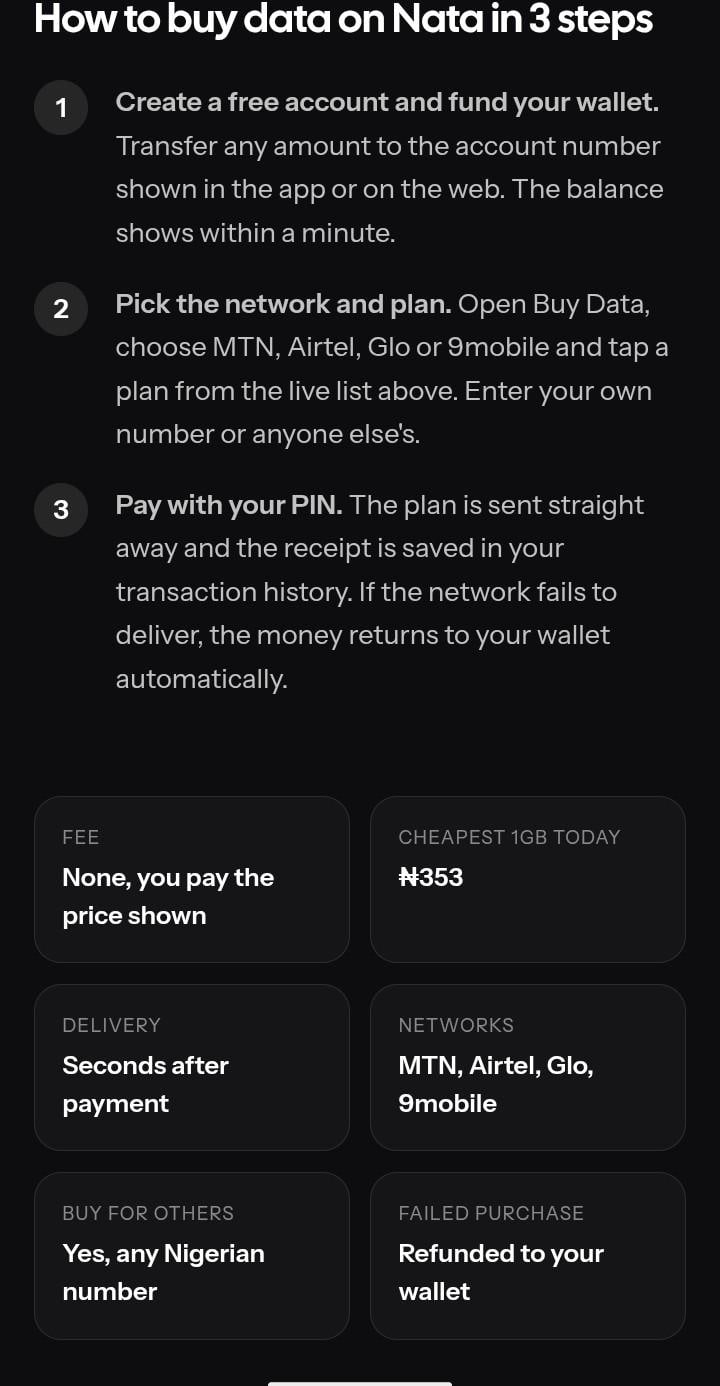
The process is straightforward. Here's what you need to do:
Step 1: Get an account on Nata:
First, signup /log in to Nata, using your basic contact details. You either download the app or use the web provider.
Once you've downloaded the Nata app or registered through the website, you'll be provided with a Wema Bank or Palmpay account to fund your wallet.
Don't worry, you don't need to own a Wema Bank or Palmpay account before using Nata. The account details are provided to you on the platform for funding your wallet.
Next you fund your Wallet via the account you choose to use on Nata and then proceed to select the service you want to purchase. Which could be airtime, data, electricity or any other available service.
Step 2: Enter your details:
Next, provide the required information. If you're buying data, for instance, select your network, enter the phone number and choose your preferred data plan.
Step 3: Review your transaction:
Before you proceed, take a moment to check everything again. Is the phone number correct? Did you select the right data plan? Is the amount what you intended to pay? Don't be in hurry, cross-check figures are accurate before purchase.
Step 4: Complete your payment:
Once you're satisfied with the details, proceed with the payment using the available payment option. Follow the instructions displayed on the platform to complete your transaction.
Step 5: Confirm your transaction:
After making payment, check your transaction history to see the status. Also, confirm that the airtime, data or service you paid for has been delivered.
Point to Consider: Always double-check your phone number, account number and other payment details before confirming a transaction. A small mistake can turn an ordinary payment into an unnecessary issue.
Why Does Nata Require A Transaction PIN?
Now, let's talk about something important: your transaction PIN.
You know how you wouldn't just hand over your ATM PIN to someone because they asked nicely? Your Nata transaction PIN deserves the same level of protection.
A transaction PIN is an additional security measure used to confirm that you have authorised a transaction on your account.
For example, when you're making a payment, you may be asked to enter your PIN before the transaction can be completed.
Here are a few things you should remember:
- Keep it private: Your PIN belongs to you. Don't share it with friends, strangers or anyone claiming to be a customer support representative.
- Avoid predictable combinations: Using your birthday, birth year or simple number combinations can make your PIN easier to guess.
- Don't disclose your PIN when seeking help: If you experience a transaction issue, you can contact customer support without revealing your transaction PIN.
- Be careful with suspicious request: Anyone asking you to send your PIN or OTP through whatsApp, text messages or phone calls should raise a red flag.
Remember, your transaction PIN is meant to authorise transactions, not to be shared with another person.
What Happens If Transaction Fails?
Kai! Imagine buying data with your last money, only to receive a debit alert without getting the data.
You check your phone, nothing. You refresh your balance, still nothing.
At this point, the first thing that comes to mind is, "Abeg, where is my money?"
We understand how frustrating this can be, especially when you urgently need the service you paid for.
Sometimes, a payment may not go through as expected. You might notice that money has been deducted from your wallet, but the airtime, data or other service you paid for hasn't been delivered.
So, what should you do?
1. Don't rush to make another payment:
We know you're probably in a hurry to get that data or complete whatever you need to do. However, avoid immediately repeating the transaction. You don't want to risk being charged twice.
2. Check your transaction history:
Log in to your Nata account and check your transaction history. Look at the transaction status to understand whether the payment is pending, successful or failed.
3. Give the transaction time if it's still pending:
If the transaction is showing as pending, allow some time for the status to update. Avoid making another payment until you understand what happened.
4.Contact Nata's Customer Support:
If the issue remains unresolved, reach out to Nata's official customer support channels. Provide the relevant transaction details so the team can investigate the issue.
When contacting support, keep your transaction reference or ID handy. It can help the team identify the payment more easily.
The important thing is not to panic or make repeated payments without first checking what happened.
How Refunds Work On Nata?
If you experience a failed transaction and need assistance, you will be required to provide some
details to help the support team investigate.
To report the issue, provide:
1. Your email address: This helps the support team identify your account.
2. Your transaction receipt: Provide the receipt for the affected transaction.
3. An explanation of what happened: Briefly describe the issue, including what you paid
for and what went wrong.
Note that: Providing these details helps the support team review the transaction and assist you.
Make sure the receipt belongs to the transaction you are reporting. Providing accurate
information also makes it easier to investigate the issue.
Refunds should not be assumed to be automatic or instant. If you have a transaction issue,
report it and follow the guidance provided by the support team.
How To Keep Your Nata Account Safe?
Keeping your account safe requires a few simple habits.
1 Never share your transaction PIN or OTP.
2 Use the official Nata platform.
3 Check transaction details before making payments.
4 Keep your account information private.
5 Report suspicious activity or payment issues to customer support.
These steps can help you protect your account while using digital payment services.
Checkout Nata to explore its exciting features: www.nata.ng
Trying a new payment platform can come with questions, especially when money is involved.
Therefore, understanding how payments work, keeping your PIN private and knowing how to report failed
transactions can make your experience easier.
As you use Nata, always review your payment details before confirming a transaction. And
if something goes wrong, provide your email address, transaction receipt and a clear
explanation so the support team can assist you.
Get cheap data at nata.ng.